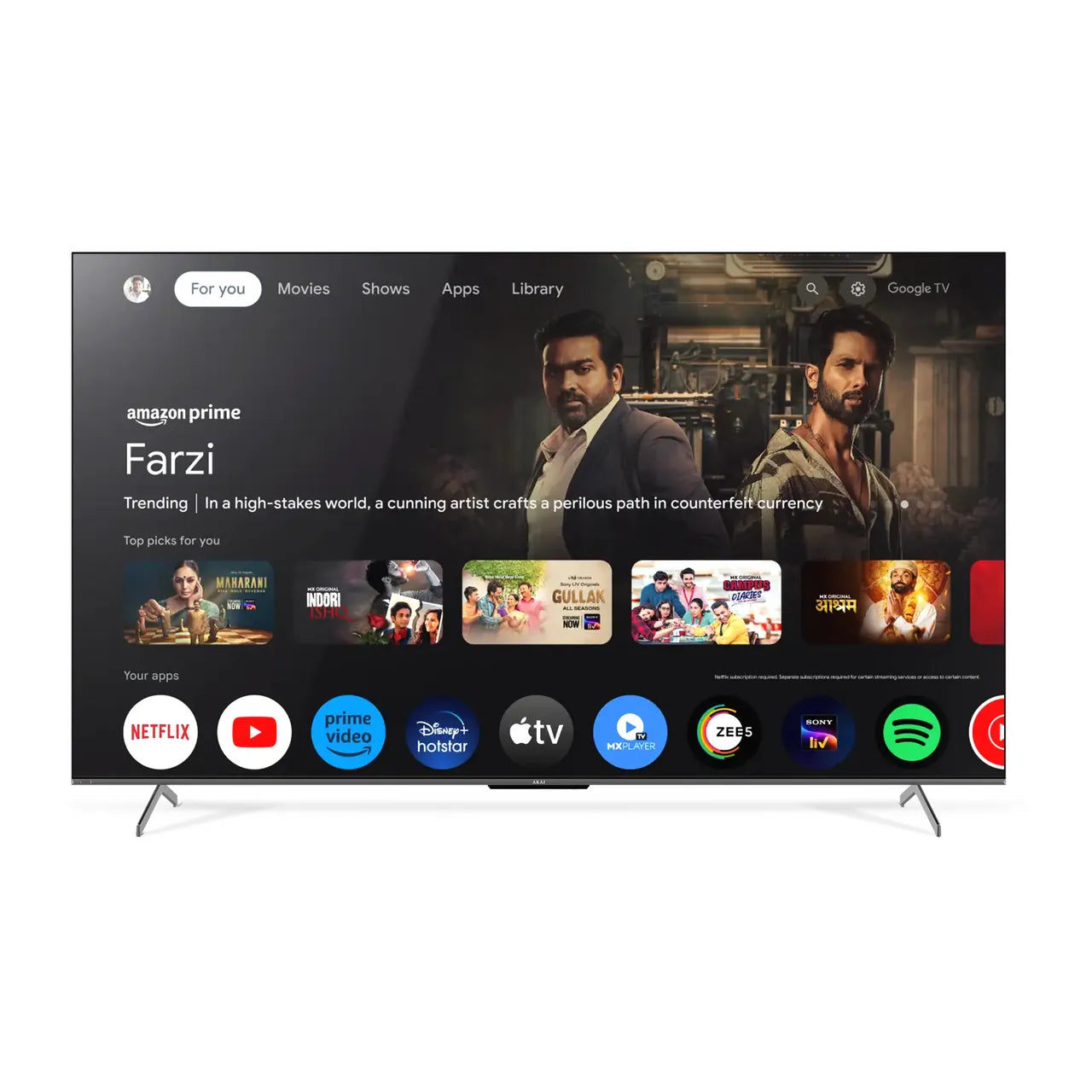
Experience Big-Screen Entertainment with Our AKAI 86 Inch TV
We created our AKAI 86 Inch TV for viewers who want entertainment to become the visual centre of a large room. With an expansive 218 cm screen, it offers a substantial step up from conventional 55-inch TV and 65-inch TV. Films feel more cinematic, players and score graphics are easier to follow during sports, and console games can fill a much wider field of view.
Size alone does not create a premium experience, which is why we combine the large screen with 4K Ultra HD resolution, our QLED+ display positioning, Dolby Vision, HDR10+, Dolby Atmos, 120Hz refresh frequency, MEMC, Google TV and HDMI 2.1 connectivity. We also include 3GB of RAM and 32GB of storage to support navigation, app use, and content discovery.
Our 86-inch model is best suited to large living rooms, family halls, dedicated entertainment areas, home-theatre setups and spacious meeting rooms. Before choosing it, we recommend checking viewing distance, wall dimensions, access routes, cabinet width, mounting requirements and the quality of your regular content sources.
Is Our 86 Inch TV the Right Size for Your Room?
An 86-inch screen needs more planning than an ordinary television. For 4K viewing, we suggest using approximately 8.5 to 12 feet as a practical starting range. Viewers who prefer a cinema-like field of view may sit closer, while households that regularly watch compressed cable or lower-resolution content may prefer a greater distance.
This guidance is not a fixed rule. Eyesight, seating layout, room lighting and personal preference all matter. Before ordering, we recommend marking the approximate television area on your wall with removable tape and sitting in your normal position. This simple check can reveal whether the screen feels immersive or overwhelming.
Remember that 86 inches refers to the diagonal display measurement, not the complete width. Please verify the exact approved dimensions with and without the stand. Also measure doors, lifts, staircases and passages through which the packaged television must travel. A screen can fit the wall but still be difficult to deliver safely if the access route is too narrow.
If your seating position is much closer than eight feet or the room has limited wall area, our 65-inch or 75-inch options may be more practical. If you want an even larger centrepiece and have a dedicated installation space, you can compare our 100-inch model.
Why We Use 4K Resolution on a 218 cm Screen
Large displays make source quality more visible. Our 86 Inch TV uses 4K Ultra HD resolution of 3840 × 2160 pixels to distribute fine detail across its 218 cm screen. With compatible native 4K content, you can see sharper textures, clearer text and more detail in landscapes, stadium views and close-up scenes.
We also set an honest expectation: 4K resolution cannot turn every low-quality broadcast into native 4K. The final picture depends on the source resolution, compression, streaming bitrate, internet connection, picture settings and viewing distance. For the strongest result, select the highest suitable quality in your streaming app and use a stable source.
When watching older or highly compressed content, increasing the viewing distance can make artefacts less distracting. Avoid using extreme sharpness settings, as they can add artificial outlines instead of genuine detail.
How Our QLED+ Display Supports Vivid Big-Screen Viewing
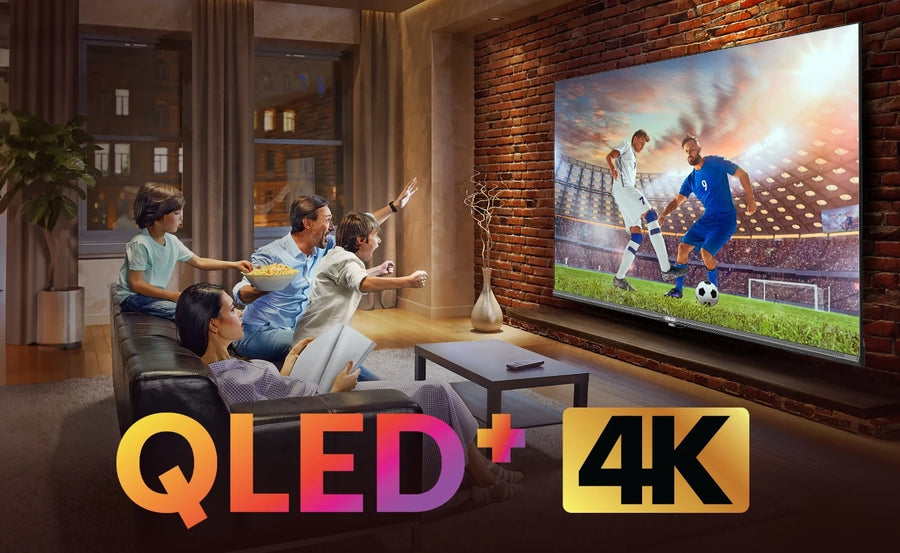
We position this model with a 4K QLED+ display. Quantum-dot technology is designed to support vivid colours and strong brightness, helping colourful movies, animation, sports and nature content create greater visual impact on a large screen.
QLED should not be confused with OLED. QLED televisions use an LCD-based panel with a backlight and quantum-dot technology, while OLED pixels generate their own light. Different technologies have different strengths. We encourage customers to consider room brightness, content type, budget and the complete product specification instead of judging picture quality from one label alone.
In bright Indian living rooms, controlling reflections can be as important as display technology. We recommend keeping direct sunlight and bright lamps away from the screen. Curtains, blinds and thoughtful light placement can improve perceived contrast without changing the television.
Dolby Vision and HDR10+ for Compatible Content
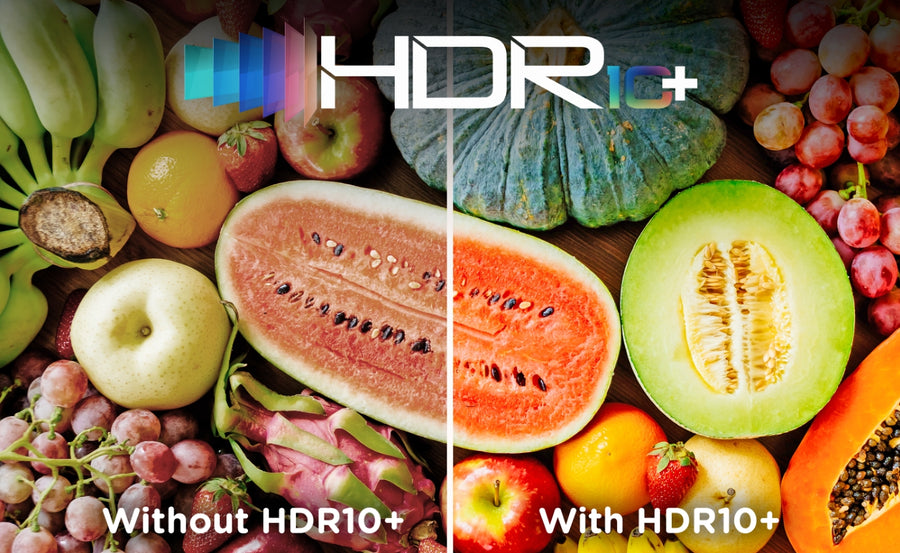
Our 86 Inch TV lists support for Dolby Vision and HDR10+. These HDR formats are designed to present a wider range of brightness, contrast and colour information when the television, app and content support the same format. On an 86-inch screen, bright highlights, shadow detail and colour transitions can become especially noticeable.
Dolby Vision uses dynamic metadata to adapt compatible picture information across scenes. HDR10+ also uses dynamic metadata for compatible content. Availability varies by streaming service, title, subscription plan and connected source. An HDR logo does not mean that every programme will play in HDR.
For a natural result, we recommend starting with the appropriate Cinema or Movie-style picture preset for films and adjusting brightness according to room conditions. Avoid pushing colour and contrast to their maximum simply because the screen is large.
Smoother Sports and Action with 120Hz and MEMC
Fast movement is more obvious on a large display. We equip our 86-inch model with a listed 120Hz refresh frequency and MEMC to support smoother motion during cricket, football, racing, action sequences and compatible games.
MEMC creates intermediate frames to reduce visible judder or blur. It can be useful for sports, but some viewers may find strong motion smoothing unnatural in films. We suggest using different picture modes for different content: a moderate motion setting for sports and a lower setting for cinema.
Refresh frequency and input capability are not always identical. Customers buying primarily for high-frame-rate console gaming should verify the supported resolution, HDMI input, VRR/ALLM availability and signal conditions in the approved technical specification. We should not imply that every HDMI source automatically runs at native 4K/120Hz.
Gaming on Our 86 Inch TV
An 86-inch display can create an engaging living-room gaming experience, especially for open-world adventures, racing, sports and local multiplayer games. Our current specifications list three HDMI ports, including two HDMI 2.1 ports and one HDMI 2.0 port. This allows customers to plan connections for consoles, streaming devices and audio systems.
Before buying specifically for PlayStation, Xbox or PC gaming, we recommend confirming:
- Which HDMI port supports the desired refresh rate;
- The maximum supported resolution at that refresh rate;
- Whether VRR and ALLM are supported;
- Whether Game Mode reduces input latency;
- Which port supports ARC or eARC for a soundbar;
- Whether the HDMI cable supports the required bandwidth.
We do not claim measured input lag because our current page does not publish a verified test figure. Competitive gamers should rely on approved signal support and independently measured latency when available. Casual players can still benefit from the scale, 4K clarity and motion features of the display.
Dolby Atmos and Planning Your Audio Setup
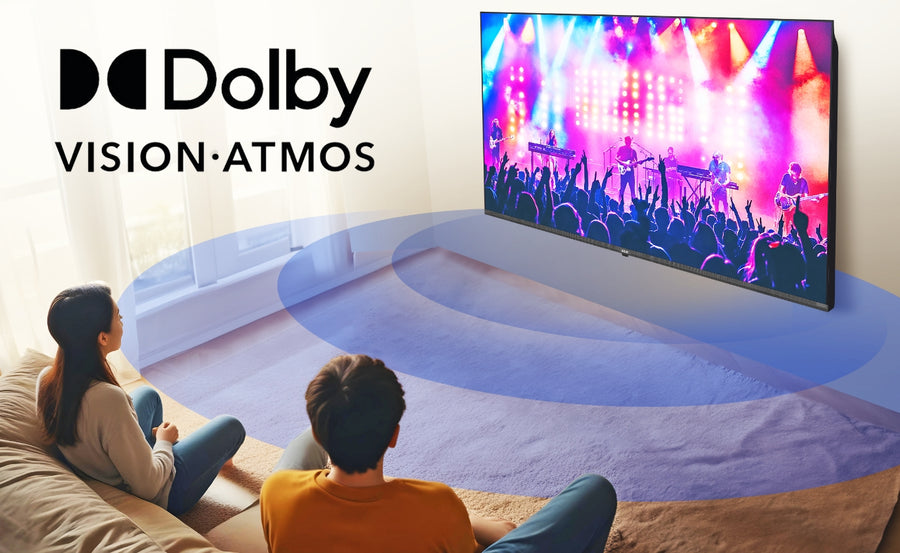
Our 86 Inch TV supports Dolby Atmos for compatible content. Dolby Atmos is designed to create a more spacious sound presentation, which can add scale to films, sports and shows. The exact result depends on the source, app, audio format, room and speaker configuration.
Because an 86-inch picture has strong visual presence, some customers may prefer an external soundbar or home-theatre system to match it. A compatible soundbar can improve dialogue clarity, bass and soundstage. Before purchasing one, check the supported HDMI ARC/eARC or optical connection and make sure the soundbar does not block the bottom of the screen or remote sensor.
If you use a separate audio system, set the television's digital audio output according to the soundbar's supported format. Incorrect settings can cause missing sound, delay or limited format playback.
Google TV Brings Your Entertainment Together
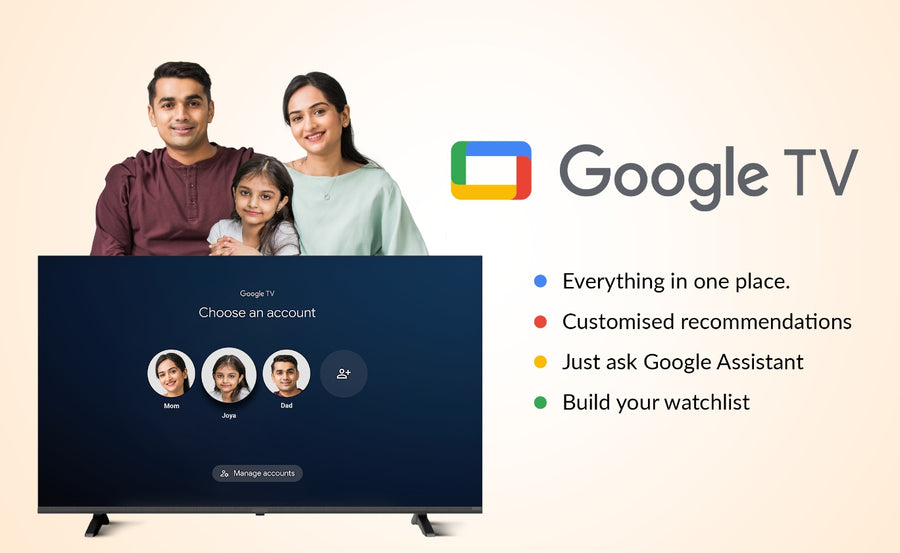
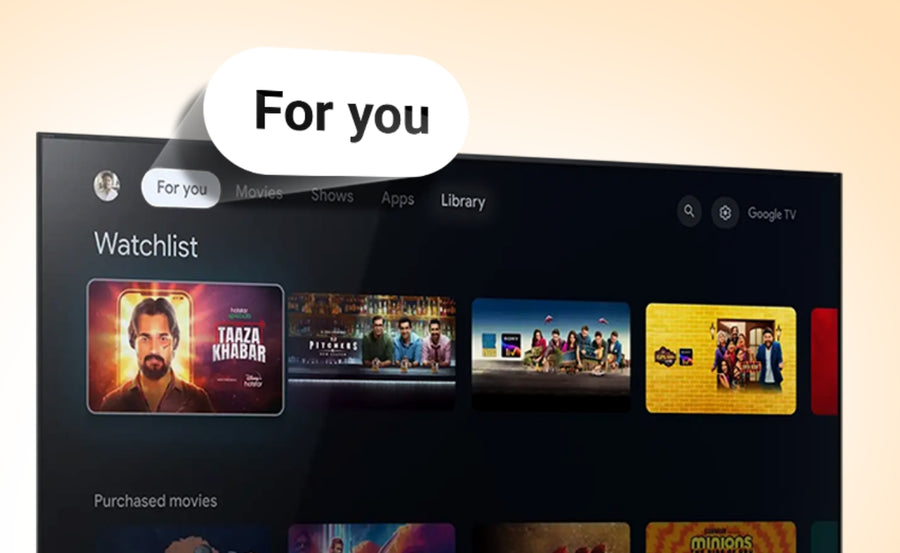
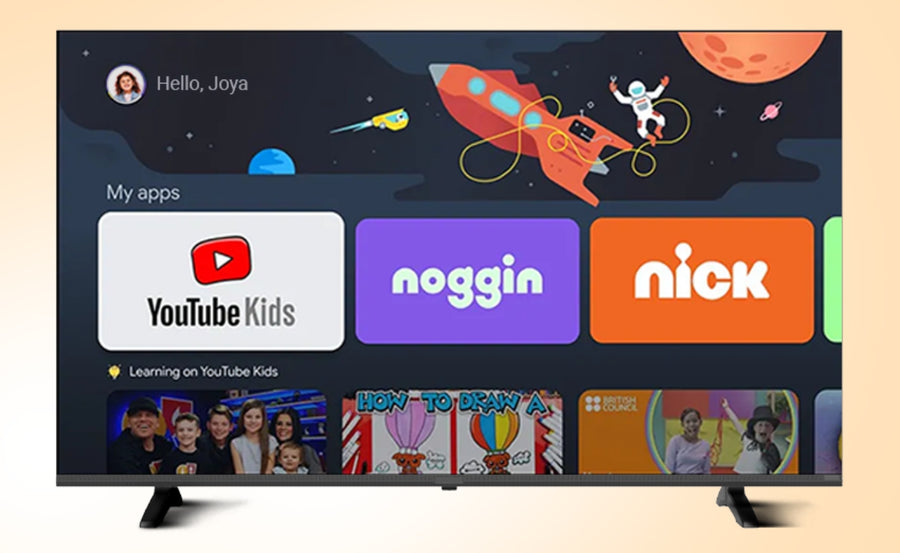
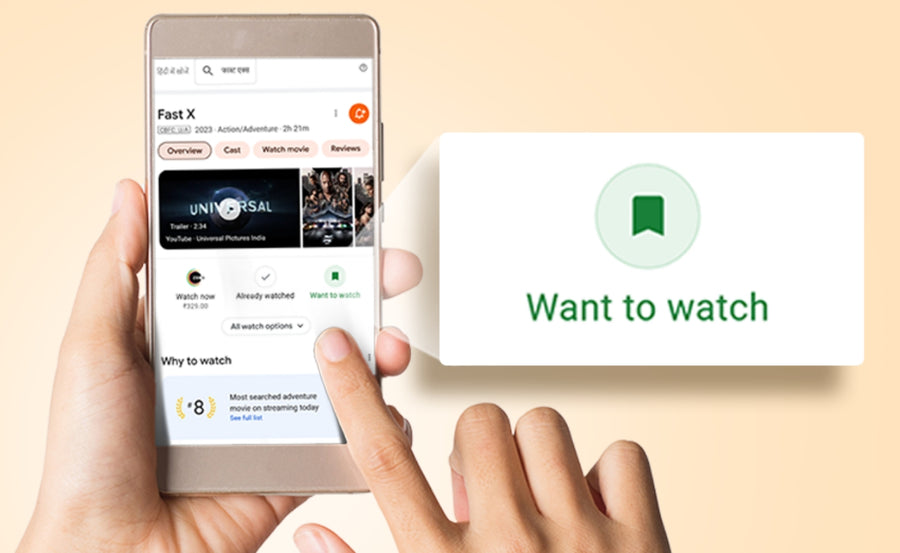
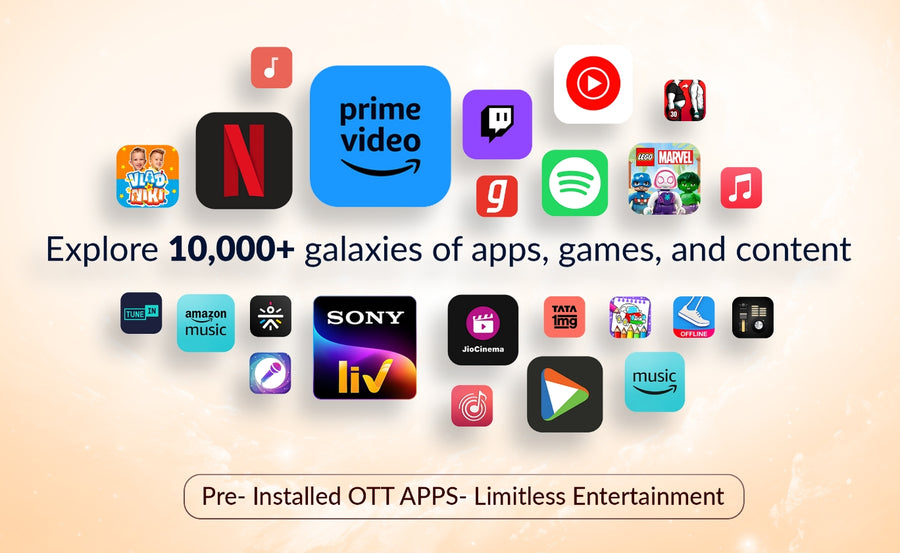
We use Google TV to organise supported apps, streaming services and recommendations within one interface. You can discover content across compatible services, create a watchlist and access child-focused profiles and controls. A Google account, internet connection and separate subscriptions may be required for some features and content.
Our specifications list Google TV based on Android 11, 3GB RAM and 32GB storage. Storage is shared with the operating system and installed services, so the complete advertised capacity will not be available for user apps. App availability can also vary by region and service provider.
Google TV recommendations may use activity and preferences connected with the signed-in account. Customers who prefer less personalisation can review the available Google account and privacy settings during setup.
Chromecast, Miracast and Voice Control
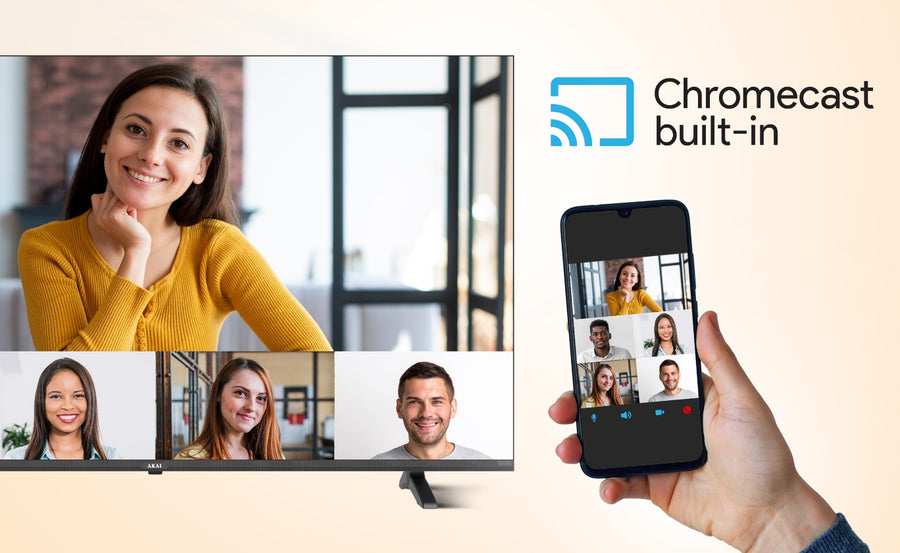
Our 86-inch model lists built-in Chromecast and Miracast. Chromecast lets you send compatible content from a phone, tablet or computer when both devices meet the app and network requirements. Miracast provides another mirroring option for compatible devices.
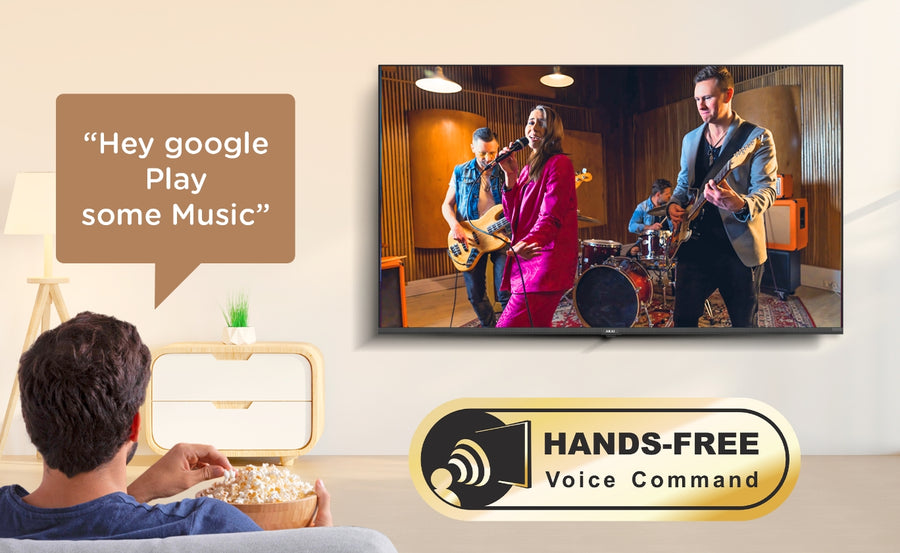
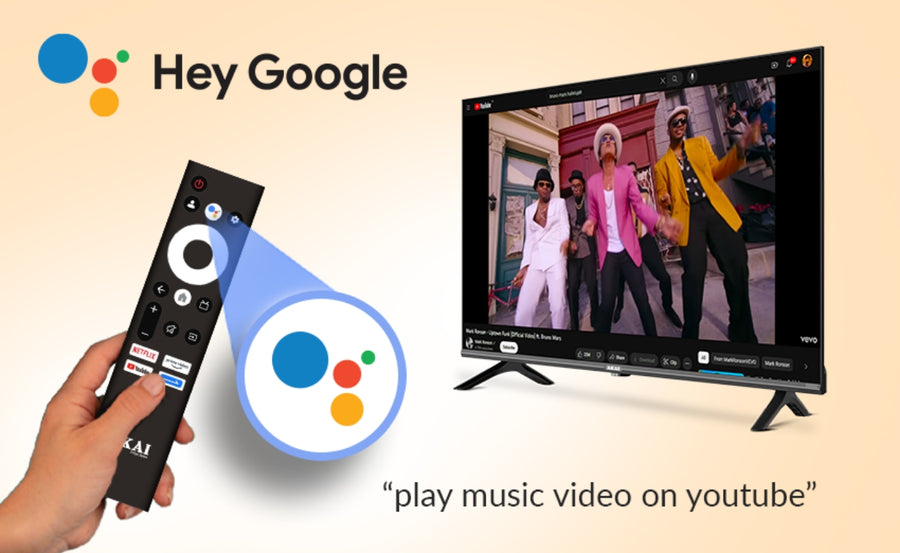
We also list Google Assistant and far-field voice control. These features can help you search for content and use supported commands. Voice features require the appropriate settings, internet access and compatible services. Microphone availability and privacy controls should be explained clearly in the setup instructions so customers can manage the feature according to their preferences.
3GB RAM and 32GB Storage
We provide 3GB RAM and 32GB internal storage to support Google TV navigation, app installation and smart functions. More RAM can help the interface manage normal app activity, while the storage provides space for supported apps and updates.
Hardware specifications do not guarantee that every app will always run identically. Performance can depend on application design, background processes, software version, internet connection and available free storage. We recommend uninstalling unused apps, keeping adequate free space and applying approved software updates.
Connectivity for a Large Entertainment Setup
Our current specification lists three HDMI ports, two USB 2.0 ports, one LAN connection and one composite input. This range can support a set-top box, game console, streaming device, sound system and compatible USB media, depending on the exact port requirements.
Before installation, count every device you plan to connect. If a soundbar occupies the ARC/eARC port, ensure enough HDMI inputs remain for the console and set-top box. Place cables before wall mounting, because reaching rear-facing ports can become difficult after a large television is fixed close to the wall.
USB compatibility depends on file system, power requirements, media codec and file format. A USB port should not be assumed to power every external drive or accessory.
Who Should Choose Our AKAI 86 Inch TV?
For movie and OTT viewers
We recommend our 86-inch model when you want films and series to occupy a wide field of view. Its 4K QLED+ display, Dolby Vision, HDR10+ and Dolby Atmos support are designed for compatible cinematic content.
For sports households
The large screen makes players, scoreboards and stadium views easier to follow. Its listed 120Hz refresh frequency and MEMC make it the stronger type of setup for viewers who prioritise motion, subject to source quality and preferred settings.
For family entertainment
An 86-inch screen can become the focal point for movie nights, celebrations and shared viewing. Google TV, casting and voice features make it easier to access content across supported services.
For console gaming
The screen size, 4K resolution and HDMI 2.1 listing can support a highly immersive setup. Gaming-focused customers should confirm the exact refresh-rate, VRR, ALLM and input-lag details rather than relying on the HDMI label alone.
For offices and meeting rooms
Our 218 cm display can also be useful for presentations, dashboards and video meetings in spacious rooms. Businesses should verify duty cycle, commercial-use warranty conditions, casting security and input compatibility before deployment.
Our 75 Inch vs 86 Inch vs 100 Inch TV Guidance
We recommend our 75-inch TV range when room space, viewing distance or budget makes installation simplicity the priority. Choose our 86-inch model when you want a major increase in visual scale while retaining more placement flexibility than a 100-inch television. Consider our 100-inch model when you have a dedicated large space and want the biggest display in our current portfolio.
The best size is not automatically the largest. A television should match the viewing distance, wall, source quality, delivery path and room proportions. We advise measuring first and comparing the live specification of each model before deciding.
Installation Checklist for Our 86 Inch TV
Because this is a large and heavy product, we recommend professional installation and at least two trained people for handling. Before delivery:
1. Measure the lift, staircase, doors and turns along the delivery route.
2. Confirm the wall material can safely support the television and bracket.
3. Verify the model's weight, VESA pattern and approved mounting hardware.
4. Plan power, HDMI, network and antenna connections.
5. Keep ventilation space around the television.
6. Position the centre of the screen near a comfortable seated eye level where practical.
7. Keep direct sunlight and high-intensity lamps away from the display.
8. Use a stable cabinet wider and deeper than the stand footprint for tabletop placement.
9. Check pincode eligibility and the current installation policy.
10. Follow our current instructions to record the required unboxing and working video on delivery day.
Do not attempt to lift or reposition an 86-inch television alone. Panel damage caused by pressure or twisting may not be covered under standard warranty terms.