Bring Cinema-Sized Entertainment Home with Our AKAI 100 Inch TV
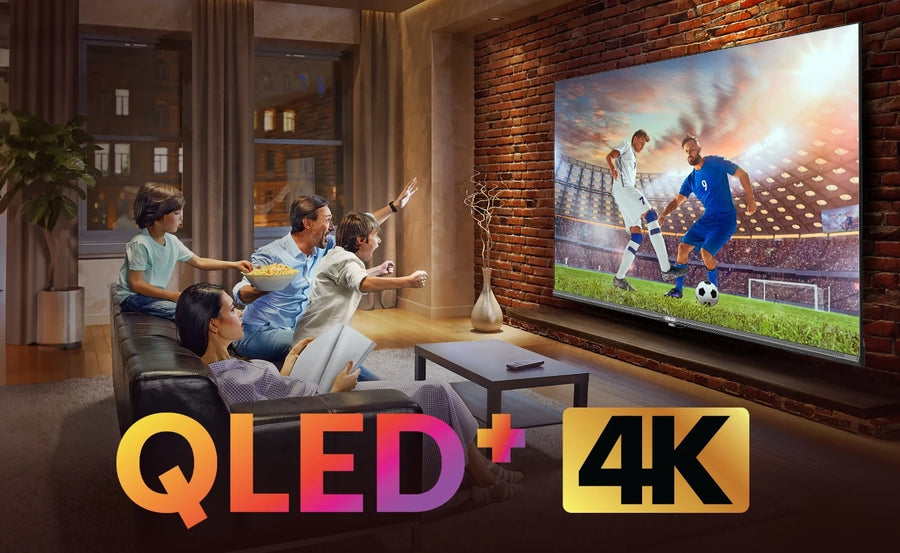
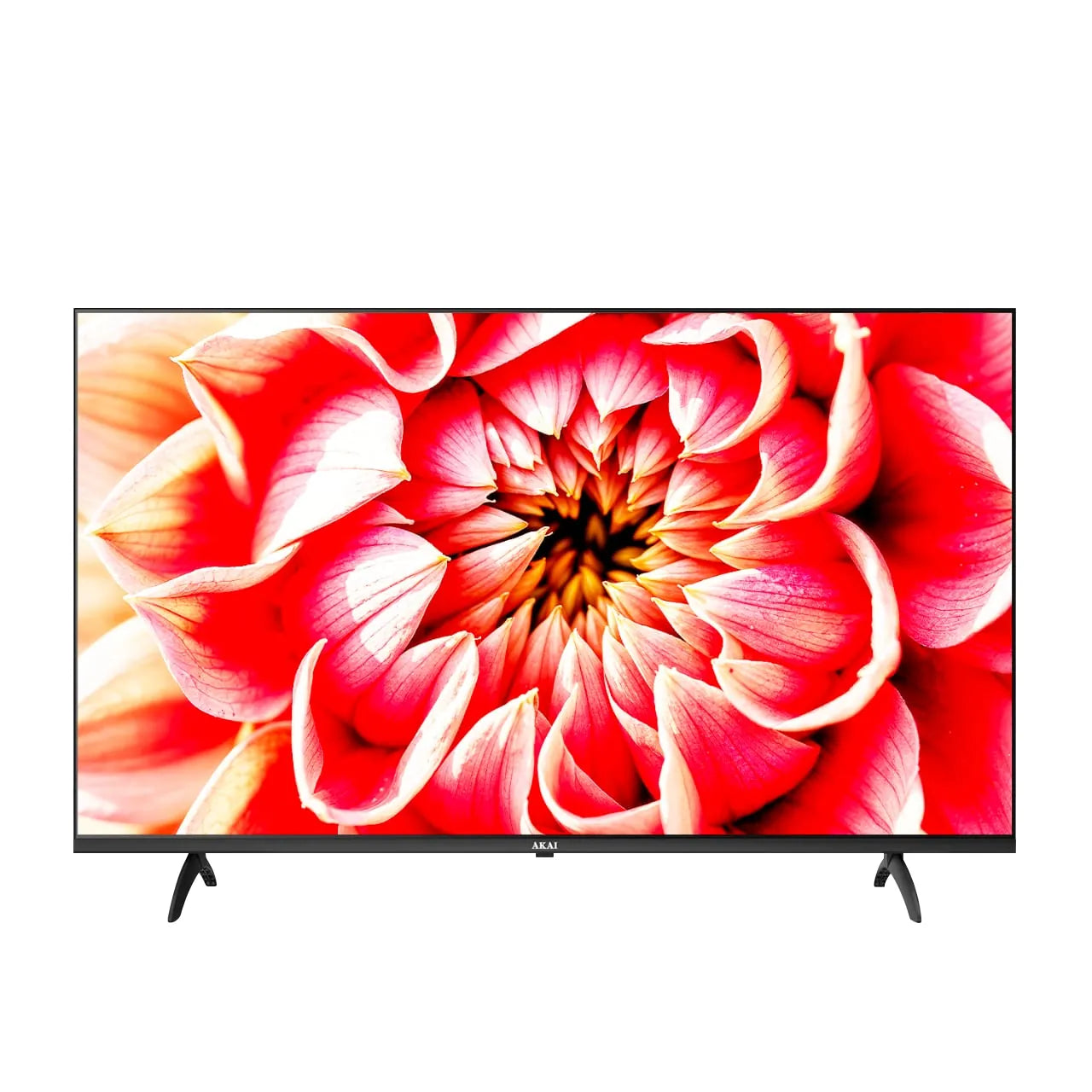
We designed our AKAI 100 Inch TV for viewers who want more than a conventional living-room upgrade. Its expansive 254 cm screen creates a wide field of view that can make films, cricket, football, concerts, games and family entertainment feel closer to a private theatre experience.
A screen this large is most effective in spacious living rooms, dedicated home theatres, entertainment lounges, villas, premium apartments, offices, experience centres and hospitality environments. It also works well for group viewing because scoreboards, subtitles, presentations and fine visual details remain easier to see from multiple seating positions.
Scale is only part of the experience. We combine the 100-inch display with 4K Ultra HD resolution, QLED+ technology, Dolby Vision, HDR10+, Dolby Atmos, 120Hz refresh frequency, MEMC, Google TV, Chromecast, 3GB RAM, 32GB storage and HDMI 2.1 connectivity. Together, these features support modern big-screen entertainment while reducing the need for a separate streaming device.
Before purchasing, we strongly recommend planning the room, viewing distance, delivery route, wall or cabinet, power supply, cable paths and audio system. A 100-inch television should be treated as a complete room installation rather than a routine appliance placement.
Is Our 100 Inch TV Right for Your Room?
For many 4K viewing setups, we suggest approximately 10 to 15 feet as a practical starting distance. Sitting toward the closer end creates a more cinematic field of view, while greater distance may feel comfortable for mixed family viewing and lower-quality sources. Your eyesight, seating arrangement and personal preference will determine the best position.
The 100-inch measurement is diagonal; it is not the television's width. A typical 16:9 100-inch display area is roughly 87 inches wide and 49 inches high, but the actual cabinet and stand will add to these dimensions. Always use our approved model dimensions rather than estimates for installation.
Before ordering, mark the television area on the wall using removable tape and sit in your normal viewing position. Check whether the screen blocks doors, switches, shelves, speakers or ventilation. Also confirm that direct sunlight and bright lamps will not create distracting reflections.
Room fit is only one part of the decision. Measure your building entrance, lift, staircase, doors, corridor turns and the path into the final room using the packaged-product dimensions. A 100-inch television may fit the wall but fail to pass through a narrow lift or turn safely on a staircase.
If your seating distance is below roughly eight feet or access is limited, we suggest comparing our 75-inch and 86-inch TVs. Our 100-inch model is intended for customers who have the space and access to use its scale properly.
Why 4K Resolution Matters at 254 cm
On a very large screen, low-resolution sources and compression artefacts become easier to notice. We use 4K Ultra HD resolution of 3840 × 2160 pixels to spread fine detail across the 254 cm display. Compatible native 4K movies, games, sports and streaming content can therefore show sharper textures, clearer text and better-defined wide scenes.
We also want to set a realistic expectation: a 4K panel cannot make every cable channel or old video look like native 4K. Final picture quality depends on source resolution, bitrate, compression, app, internet connection, picture settings and viewing distance. We recommend using the highest appropriate source quality and avoiding excessive sharpness, which may add artificial outlines rather than real detail.
For regular 4K streaming, a stable high-speed connection is important. Many services suggest approximately 15–25 Mbps for one 4K stream, but a household may need considerably more when multiple devices share the network.
Our QLED+ Approach to Big-Screen Colour
We position this model with a 4K QLED+ display. Quantum-dot technology is designed to support vivid colour and bright visuals, helping colourful films, animation, sports grounds and nature content retain impact across the large screen.
QLED is not the same as OLED or Mini-LED. QLED describes quantum-dot colour enhancement used with an LCD-based display; OLED pixels create their own light, while Mini-LED refers to a backlighting approach with much smaller LEDs. Buyers should compare the complete product, not assume that one label guarantees every aspect of picture quality.
Room lighting also matters. We recommend using curtains or blinds where direct sunlight reaches the screen and positioning strong lamps away from the panel. Better light control can improve perceived contrast and reduce eye strain without requiring extreme picture settings.
Dolby Vision and HDR10+ for Compatible Content
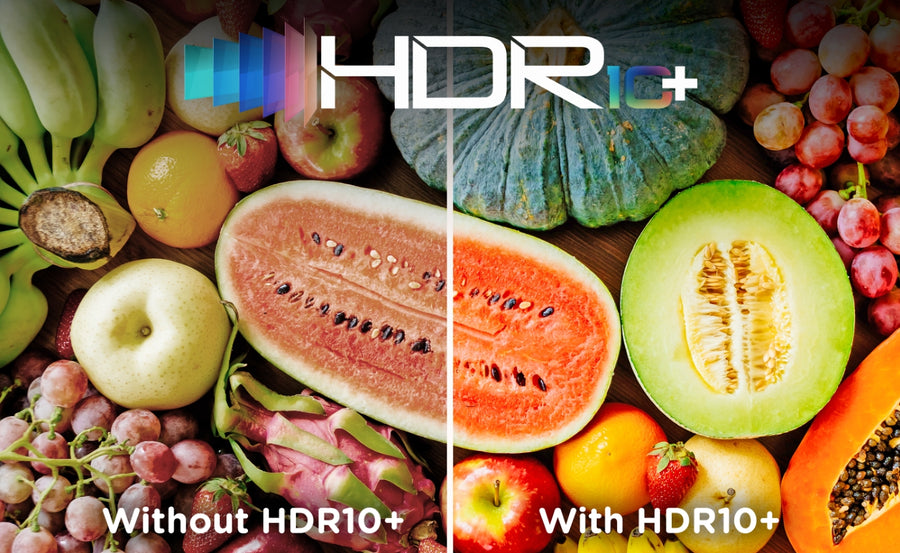
Our 100 Inch TV lists support for Dolby Vision and HDR10+. These HDR formats are designed to reproduce a wider range of brightness, contrast and colour information with compatible sources. On a 100-inch display, highlight detail, shadow depth and colour transitions can become especially noticeable.
Dolby Vision and HDR10+ use dynamic metadata with compatible content, but format availability depends on the title, streaming service, subscription plan, external device and selected input settings. Not every programme displayed by an HDR-capable television is HDR.
For films, we suggest starting with a Cinema or Movie-style preset and adapting brightness to the room. Extremely vivid shop-floor settings may look impressive briefly but can exaggerate colour and contrast during normal viewing.
120Hz and MEMC for Sports and Fast Action
Fast motion is more visible as screen size increases. Our current specifications list a 120Hz refresh frequency and MEMC. MEMC creates intermediate frames to reduce visible judder or blur, which can help during cricket, football, racing and action sequences.
Motion smoothing is subjective. Many viewers prefer it for sports but find strong smoothing unnatural in films. We recommend creating separate picture modes: moderate motion processing for sports and lower processing for cinematic content.
A listed panel refresh rate should not automatically be interpreted as proof that every external input accepts 4K at 120 frames per second. Gaming-focused customers should confirm the exact supported resolution, HDMI input, bandwidth, VRR, ALLM and signal conditions in our approved technical specification.
Gaming on Our 100 Inch TV
Our 254 cm screen can create a highly immersive experience for racing, adventure, sports and local multiplayer games. The current page lists three HDMI connections, including two HDMI 2.1 ports and one HDMI 2.0 port. This gives customers flexibility for consoles, media players and audio equipment.
Before purchasing specifically for a PlayStation, Xbox or gaming PC, we recommend confirming:
- The HDMI port that supports the desired refresh rate;
- Maximum resolution at that refresh rate;
- Whether VRR and ALLM are supported;
- Game Mode behaviour and verified input lag;
- Which port supports ARC or eARC;
- Whether the console and cable support the required signal.
We do not publish an input-lag number unless it has been measured through a documented test. Competitive gamers should prioritise verified latency and signal support; casual players can still benefit from the large 4K picture and motion features.
Dolby Atmos and Choosing Audio for a Large Room
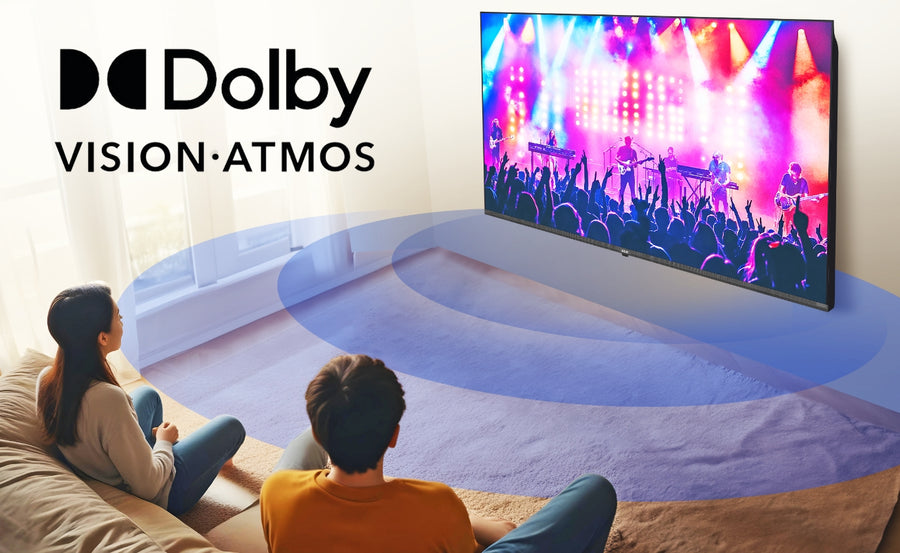
Our 100 Inch TV supports Dolby Atmos for compatible content. Dolby Atmos is designed to create a more spacious audio presentation, adding scale to films, sports and shows. The result depends on the original soundtrack, app, settings, room and speaker system.
A 100-inch screen has such strong visual presence that many buyers may prefer a soundbar or home-theatre system. External audio can provide stronger bass, clearer dialogue and better sound distribution across a large room. Check HDMI ARC/eARC or optical compatibility before selecting a soundbar.
Plan speaker and cable positions before wall mounting. The soundbar should not block the screen, remote sensor or ventilation. For a multi-speaker system, professional calibration can improve dialogue placement and surround balance.
Google TV for Everyday Content Discovery
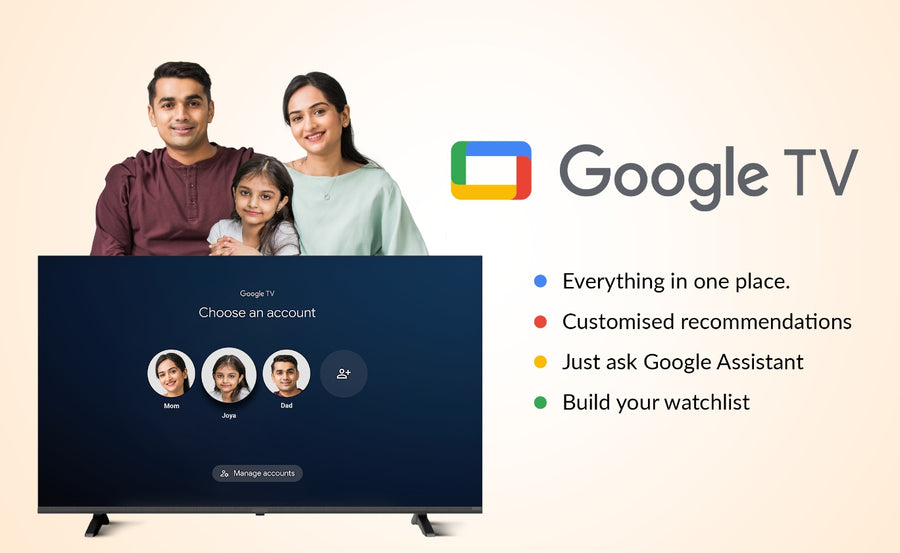
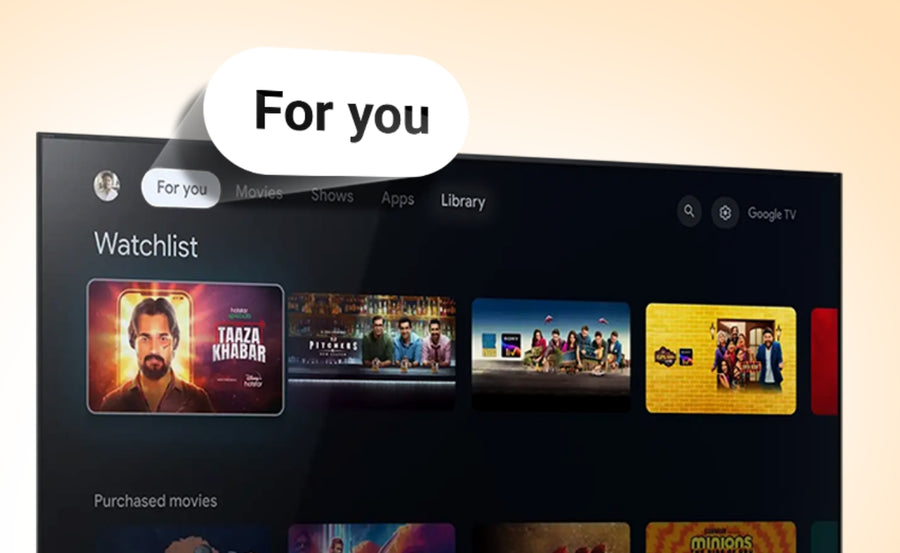
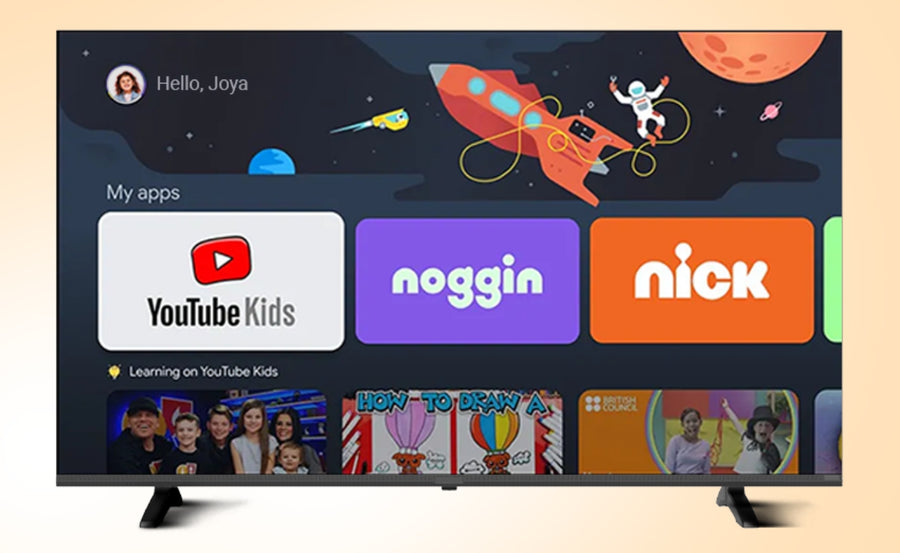
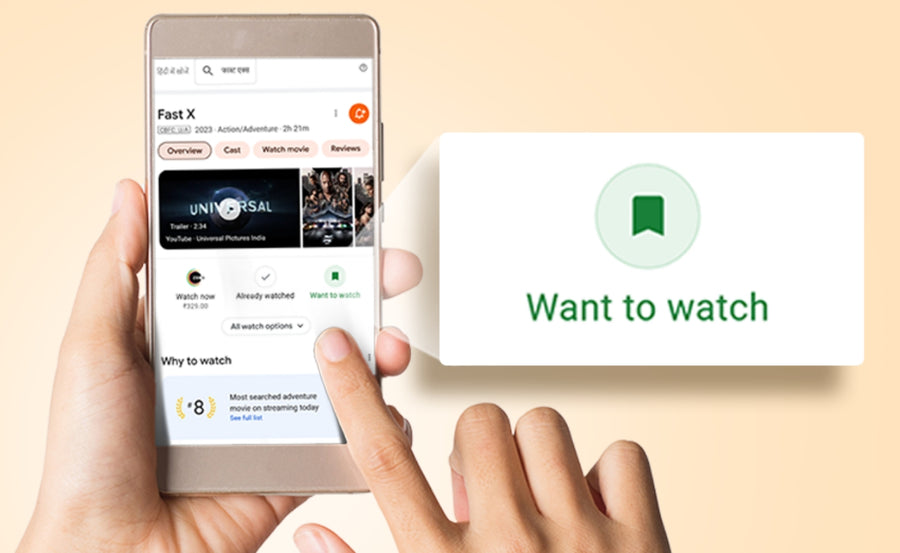
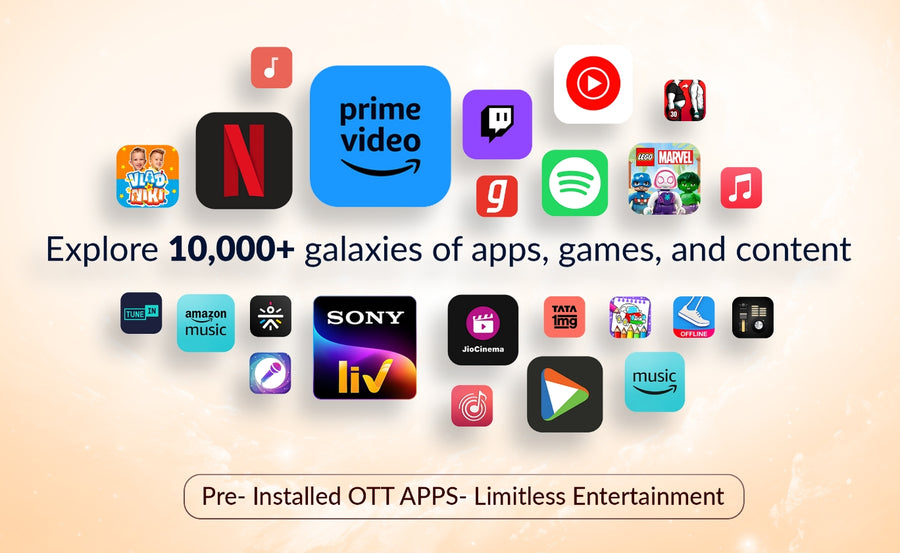
We use Google TV to organise supported streaming apps, recommendations and watchlists in one interface. You can search for films and shows, access child-focused controls and discover content across compatible services. A Google account, internet access and separate subscriptions may be required.
Our current specification lists Google TV based on Android 11, with 3GB RAM and 32GB internal storage. Some storage is used by the operating system and built-in services, so the entire stated capacity is not available for apps. App availability and updates can vary by service and region.
Recommendations may use watch activity and account preferences. Customers can review the available privacy and personalisation controls during setup.
Chromecast, Miracast and Far-Field Voice Control
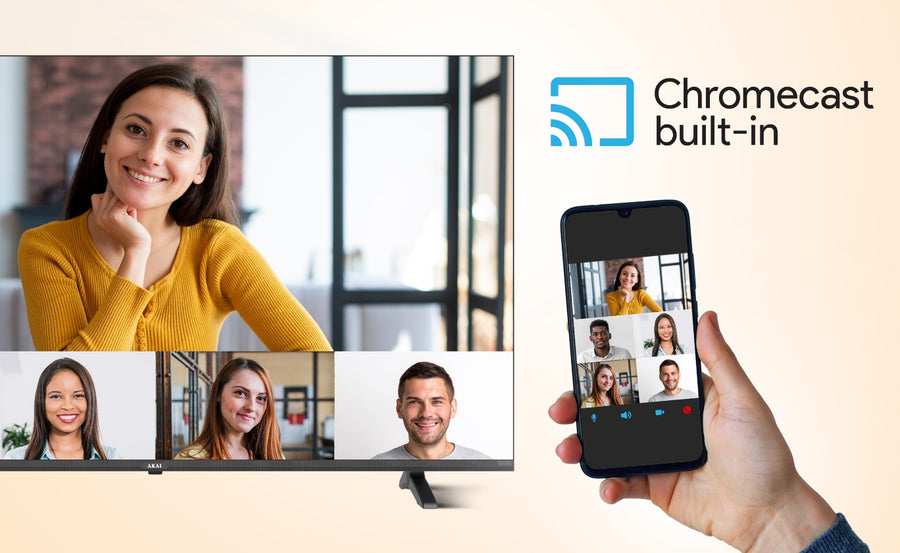
Our 100-inch model lists built-in Chromecast and Miracast. Chromecast lets you cast compatible content from a phone, tablet or computer when the devices use a suitable network and a supported app. Miracast provides another screen-mirroring option for compatible devices.
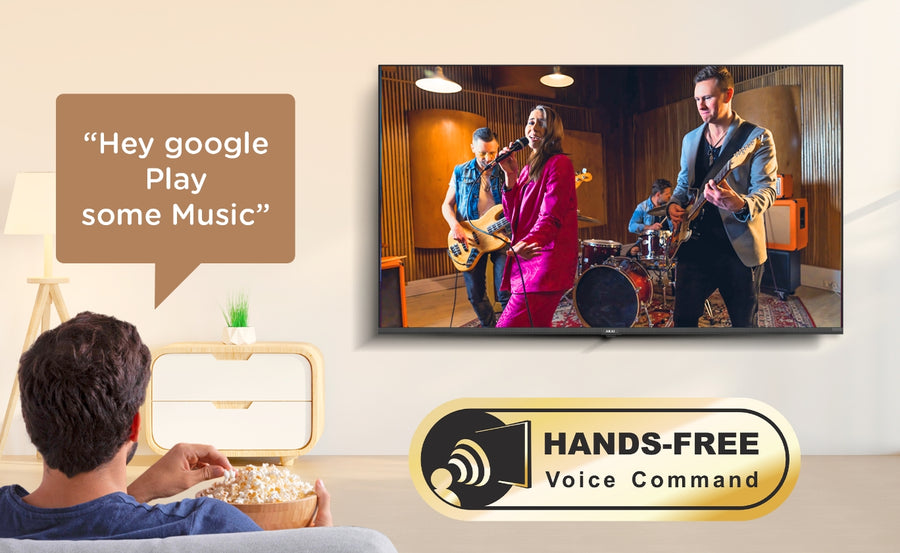
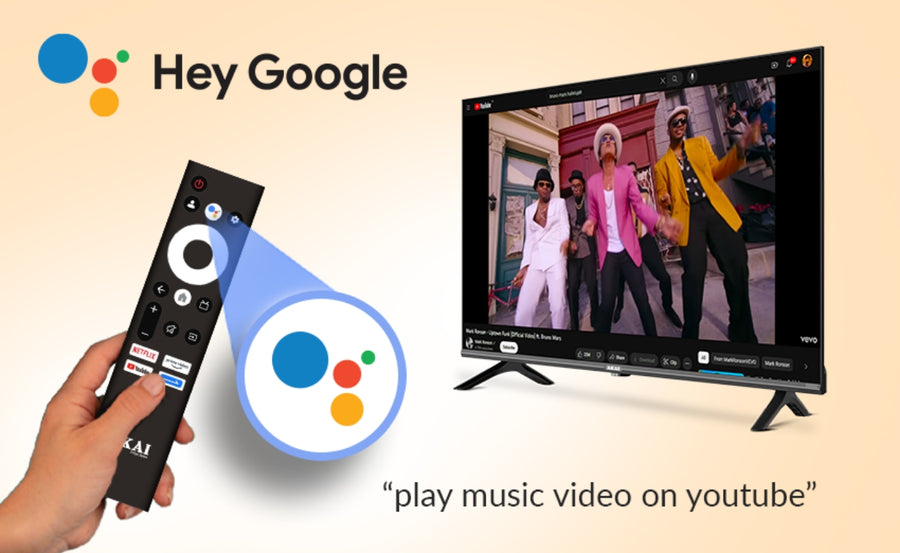
We also list Google Assistant and far-field voice control. Supported voice commands can help with content search and selected functions, subject to internet connection, settings and service availability. We recommend explaining microphone controls clearly so customers can manage voice features according to their privacy preferences.
Connectivity Planning Before Installation
Our TV has three HDMI ports, USB connectivity, LAN and composite input. Before installation, list every device you plan to use: set-top box, game console, soundbar, media player, laptop and antenna connection.
If the soundbar occupies the ARC/eARC HDMI port, confirm that enough inputs remain. Install cables before fixing the television close to the wall because the ports may be difficult to reach later. For long 4K HDMI cable runs, use cables rated for the required bandwidth and test every connection before final mounting.
A wired LAN connection can be useful when Wi-Fi is unreliable, particularly for high-bitrate streaming. USB playback depends on the drive's format, power requirements, file type and codec; USB ports should not be assumed to support every device.
Who Should Choose Our AKAI 100 Inch TV?
Movie and OTT enthusiasts
We recommend this model when you want cinema-like scale with a bright panel-based display and integrated smart platform. Dolby Vision, HDR10+, 4K QLED+ and Dolby Atmos support apply to compatible content.
Sports households
Cricket, football and racing can benefit from the expansive screen, 4K resolution, 120Hz listing and MEMC. Source quality and motion settings remain important.
Large families and group viewing
The 254 cm screen makes subtitles, scoreboards and wide scenes easier to see across a spacious seating area, making it suitable for movie nights and gatherings.
Console gaming
Its size and HDMI 2.1 listing create potential for an immersive console setup. Customers should verify VRR, ALLM, input lag and exact 4K/120 signal support before purchasing for competitive gaming.
Offices and commercial spaces
The large display may suit conference rooms, presentations and experience centres. Businesses should confirm commercial-use warranty, duty cycle, casting security and installation conditions.
Our 86 Inch vs 100 Inch TV Guidance
We recommend our 86-inch tv model when you want a major big-screen experience with easier delivery, mounting and room integration. Choose our 100-inch model when the room has sufficient viewing distance and you want maximum visual scale.
The diagonal difference may sound like only 14 inches, but the 100-inch display has substantially more screen area than an 86-inch display. That greater impact also brings higher demands for wall space, delivery access, audio scale and source quality. Measure first and choose the size that works with the entire room.
100 Inch TV or Projector?
We recommend a 100-inch television when you prefer panel brightness, integrated smart features, simple daily switching and a consistent fixed screen. It can work in rooms with some ambient light more conveniently than many projector setups.
A projector can offer a larger adjustable image and may be useful for dedicated dark rooms, but it requires projection distance, a suitable screen or wall, light control and additional consideration for lamp or laser life. Neither option is universally better. Choose according to brightness needs, room design, maintenance expectations, installation and budget.
Professional Installation Checklist
Our 100-inch television should be handled and installed by trained professionals. Before delivery:
1. Confirm packaged dimensions against the lift, staircase, doors and corridor turns.
2. Verify wall construction, approved bracket, weight capacity and VESA pattern.
3. Plan power, HDMI, LAN, antenna and audio cable routes.
4. Keep sufficient ventilation around the cabinet.
5. Set the screen near a comfortable seated eye level where practical.
6. Control direct sunlight and reflections.
7. Use a stable cabinet wider and deeper than the complete stand footprint for tabletop installation.
8. Verify pincode serviceability and installation-policy conditions.
9. Record the required unboxing and same-day working video under the current policy.
10. Test every source and cable before the final wall installation is completed.
Never lift, twist or reposition a 100-inch television alone. Pressure on the panel can cause damage that may fall outside normal warranty coverage.
Why Buy Our 100 Inch TV from AKAI India?
When you buy from our official website, you can review our current specification, price, stock, delivery check, installation information and official policies together. Please verify live warranty, shipping, offer and installation terms at the time of checkout because eligibility can change.
We provide direct contact options and access to warranty, shipping, installation, cancellation and replacement policies. AKAI India operates under licence from Akai Sales Pte Ltd, Singapore, and our brand story traces back to Tokyo, Japan, in 1929.
If a feature is essential to your installation, we encourage you to confirm it through the approved technical table or our support team before ordering. Accurate expectations create a better ownership experience than promotional claims alone.