


Elevate Every Listening Experience


-
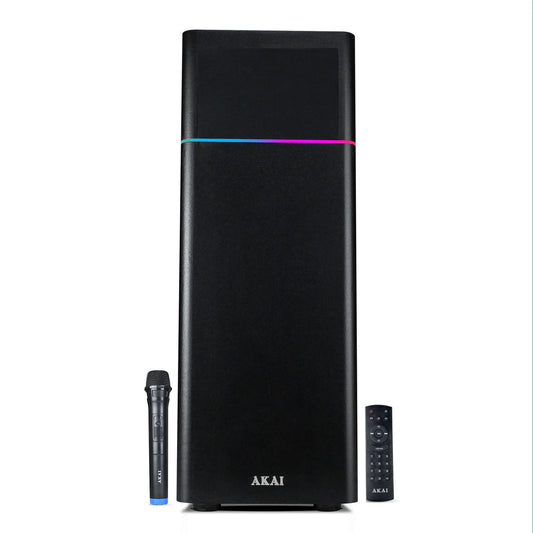
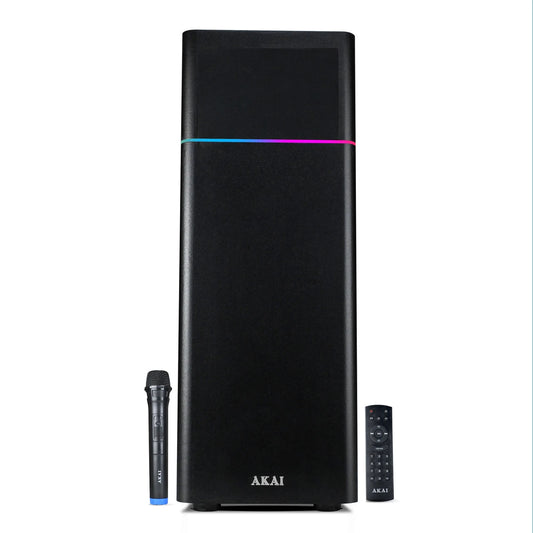
AKAI TWS-600Max Bluetooth Tower Speaker with Wired Mic |60W RMS | 5.25'' Woofer | Karaoke | FM |AKAI India
₹3,990₹8,990 55% offEMI from ₹333/moView Product → -
AKAI UltraBoom-80 Bluetooth Party Speaker with wireless Mic | 80W RMS | Karaoke | RGB LED Lights | Digital Display
₹5,853₹10,991 46% offEMI from ₹488/moView Product → -
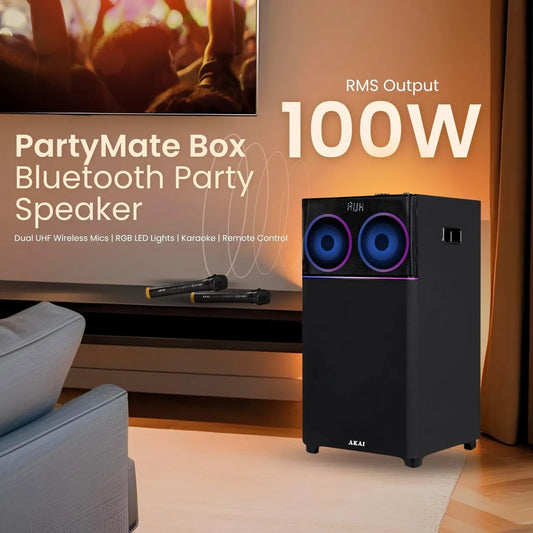
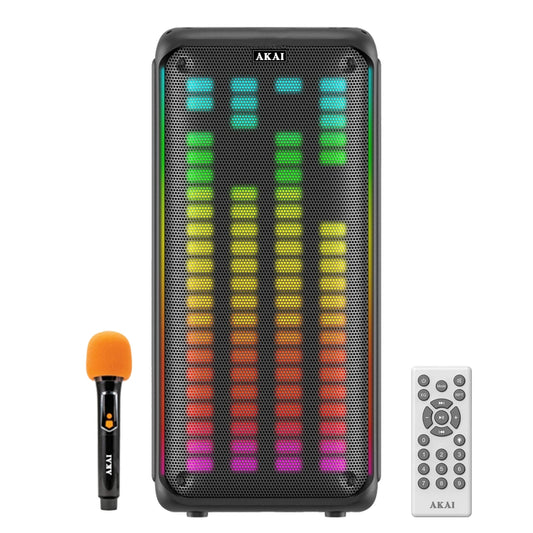
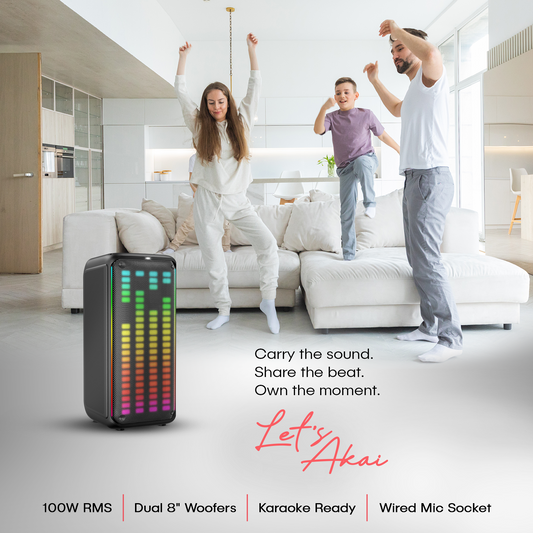
AKAI UltraBoom-100 Bluetooth Party Speaker with Dual Wireless Mic |100W RMS | 8'' Woofer | Karaoke | RGB LED Lights | Digital Display | FM
₹8,264₹13,990 40% offEMI from ₹689/moView Product → -
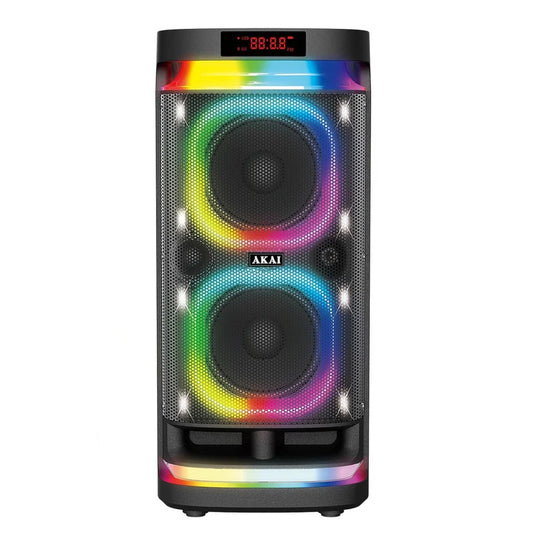
AKAI PM-1400Max Wireless Party Speaker |140W RMS | 8'' x 2 Woofer | Karaoke |Guitar Input | RGB LED Lights | Digital Display |TWS Function
₹13,765₹19,990 31% offEMI from ₹1,147/moView Product → -
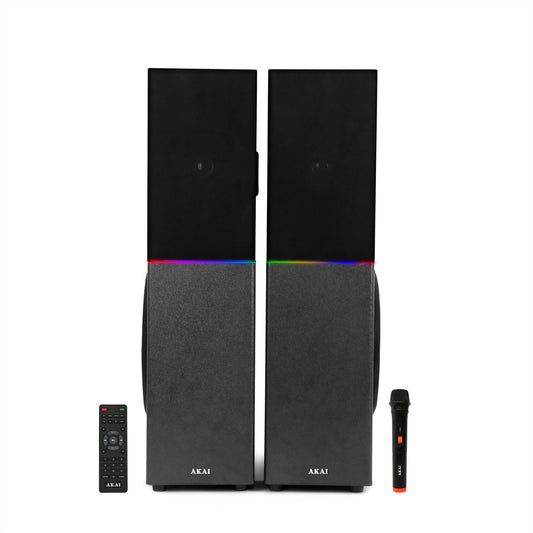
AKAI TS-120 Bluetooth Twin Tower Speaker with Wireless Mic |120W RMS | 8'' x 2 Woofer | Karaoke |RGB LED Lights | FM
₹9,449₹13,990 32% offEMI from ₹787/moView Product → -
AKAI UltraBoom-60 Bluetooth Party Speaker with Wireless Mic | 60W RMS | 5.25'' Woofer | Karaoke | RGB LED Lights | FM
₹5,225₹10,490 50% offEMI from ₹435/moView Product → -
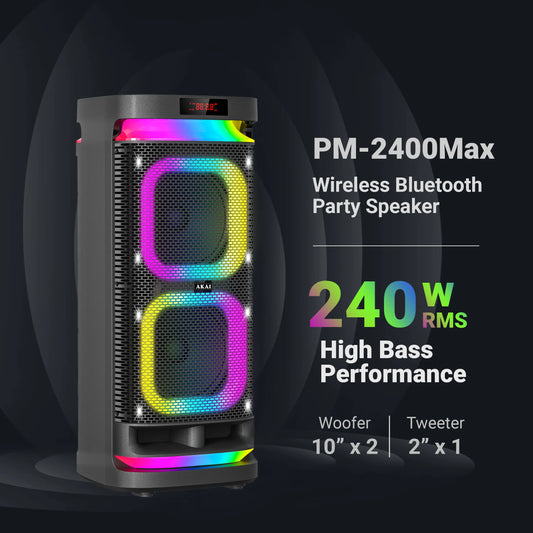
AKAI PM-2400Max Wireless Party Speaker |240W RMS | 10'' x 2 Woofer | Karaoke |Guitar Input | RGB LED Lights | Digital Display | TWS Function
₹18,390₹26,999 31% offEMI from ₹1,533/moView Product →











Akai Audio Collection: Premium Sound Systems for Every Need
Akai India’s audio collection offers a comprehensive range of high-quality sound systems designed for every situation – from immersive home theatres and party events to casual Bluetooth listening and karaoke nights. Our lineup includes powerful Soundbars (SB-24, SB-100, SB-120 Pro, SB-140), versatile Party Speakers (PM-1000 Ultra, PM-100P Dual Mic, PM-1400Max, PM-2400Max, UltraBoom-60, PartyMate Pro PM-60T, Twin Tower TS-120), and portable Bluetooth Speakers (BD-24). Each product is engineered for clarity, bass, and convenience, featuring modern connectivity (Bluetooth V5.x, USB, AUX, HDMI ARC, etc.), dynamic LED lighting, and robust builds. Whether you’re upgrading your living room audio or gearing up for a party, Akai audio gear delivers reliable performance with a 1-year brand warranty.
Tower Speakers: Robust Sound for Home and Parties
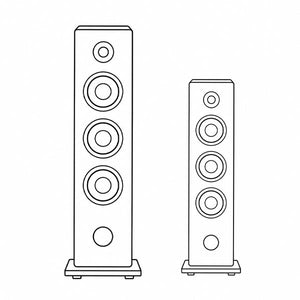
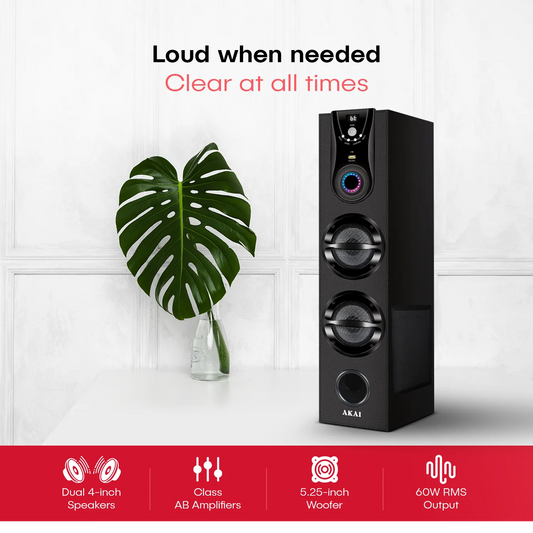
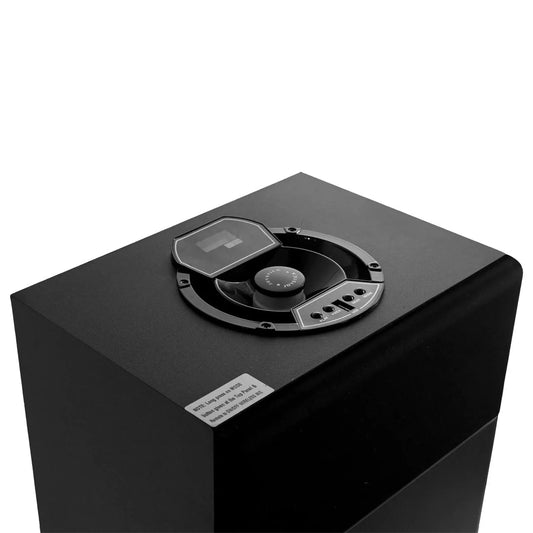
Akai’s tower speakers deliver floor-standing power for both home theatre and parties. These speakers combine multiple drivers in a sleek cabinet for deep bass and clear mid/high frequencies. For example, the TWS-600Max (60W RMS) features a 5.25″ woofer and dual mid-drivers, filling medium rooms with rich, undistorted sound. Its built-in LED display and FM radio tuner make it versatile for music or news, while karaoke-ready inputs (wired mic) let you sing along easily. Compact yet mighty, this model is ideal for living rooms and small gatherings. Meanwhile, the TS-120 Twin Tower (120W RMS) offers dual 8″ woofers and a wireless mic – perfect for larger spaces and louder parties. Its two-tower design (left and right channels) creates true stereo sound for home theatre enthusiasts. Both tower speakers include Bluetooth 5.0, USB/AUX inputs, and a handy remote for convenience. Durable wood cabinets and LED party lights add style and ambiance. Ideal for: Immersive home audio, karaoke sessions, and parties needing high volume without distortion.
Soundbars: Cinematic Home Entertainment
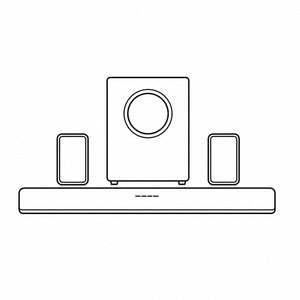
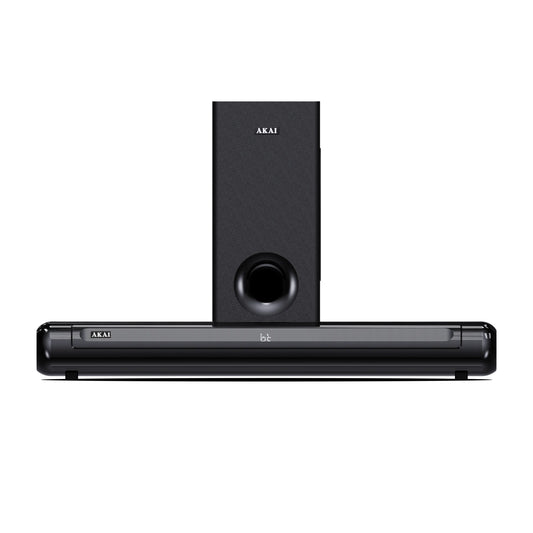
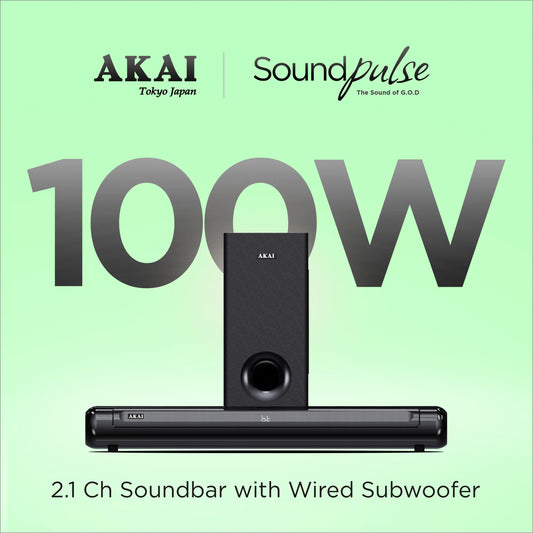
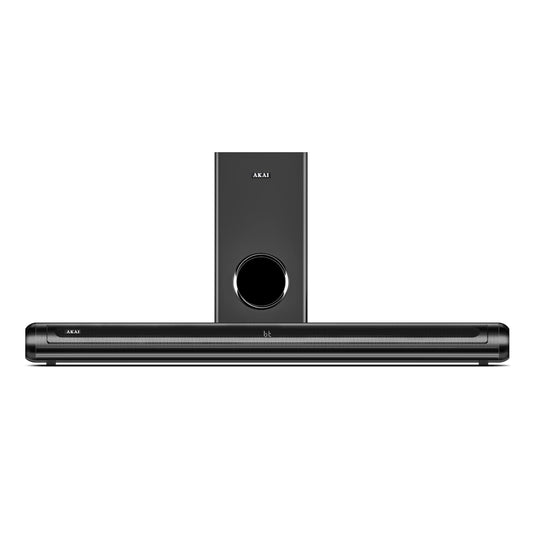
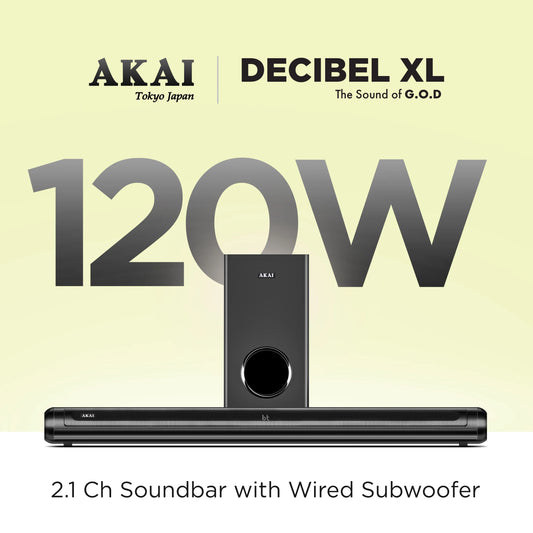
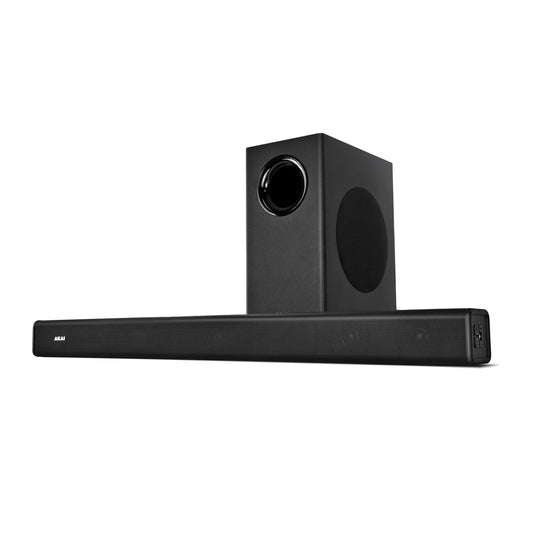
Transform your TV or music setup with Akai soundbar systems, engineered for cinematic audio at home. These sleek bars pair with (or without) subwoofers to deliver 2.1 channel surround sound, greatly enhancing flat-screen speakers. Start with the SB-24 Mini Soundbar (24W RMS): a compact, battery-powered soundbar perfect for dorms or small rooms. Despite its size, it packs dual 2.25″ drivers, Bluetooth 5.3, and TWS pairing – you can link two SB-24 bars for wider stereo coverage. Its RGB LED light strip syncs to music, adding flair to movies or gaming. Move up to the SB-100, SB-120, and SB-140 models (100W, 120W, 140W RMS respectively) for serious home theatre impact. Each includes a wired subwoofer (5.25″ for SB-100/120, 6.5″ for SB-140) that adds deep, room-shaking bass to action movies and music. These soundbars support HDMI (ARC), optical, USB, AUX, and Bluetooth, so you can connect smart TVs, set-top boxes, phones, or gaming consoles. The built-in LED displays and preset EQ modes (Music, Movie, News, etc.) let you adjust sound on the fly. Despite the power, their slim designs fit neatly under a TV or can be wall-mounted. Ideal for: Movie nights, TV watching, and enhancing dialogue clarity in living rooms.
Party Speakers: Powerhouse Audio for Every Celebration
Bring the party home (or anywhere) with Akai’s lineup of portable party speakers. These units combine high RMS output, booming bass, and vibrant RGB lighting to set the mood. The UltraBoom series (60W, 80W, 100W) and PartyMate series (60W, 100W, 140W, 240W) cover all needs:
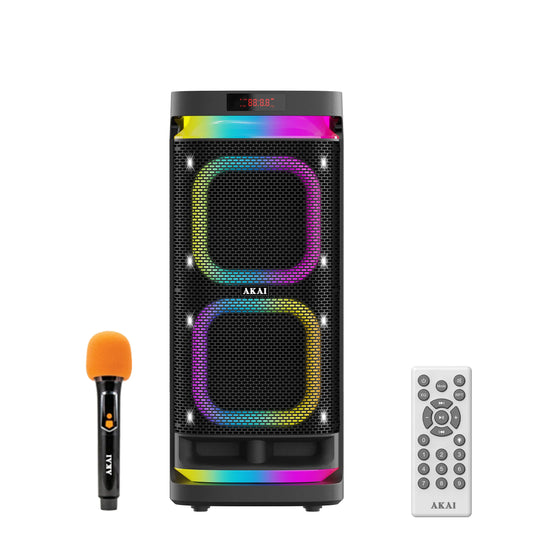
- Compact Party Boxes (60W, 80W, 100W): The UltraBoom-60 (60W) is a lightweight, AC-powered speaker with a 5.25″ woofer and wireless mic for karaoke. It includes Bluetooth and FM radio, plus fun LED lights. The UltraBoom-80 (80W) and UltraBoom-100 (100W) step up with larger woofers (around 8″) and one or two wireless mics. These still plug into AC power, making them ideal for backyard or living room parties. All have HDMI (ARC) ports to connect to TVs, transforming them into home theatre speakers as well.
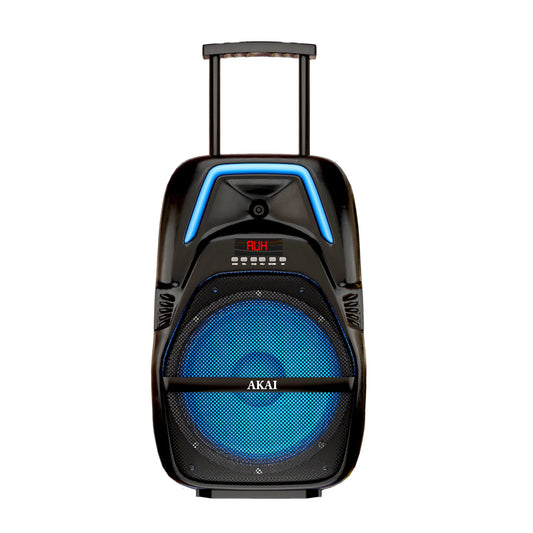
- Trolley Speakers (60W): The PartyMate Pro 60W (PM-60T) is built like a speaker on wheels. An 8″ woofer, rechargeable battery (4000 mAh), and telescoping handle/wheels mean you can roll the music to patios or picnics. It features Bluetooth, a karaoke wireless mic, and LED party lights.
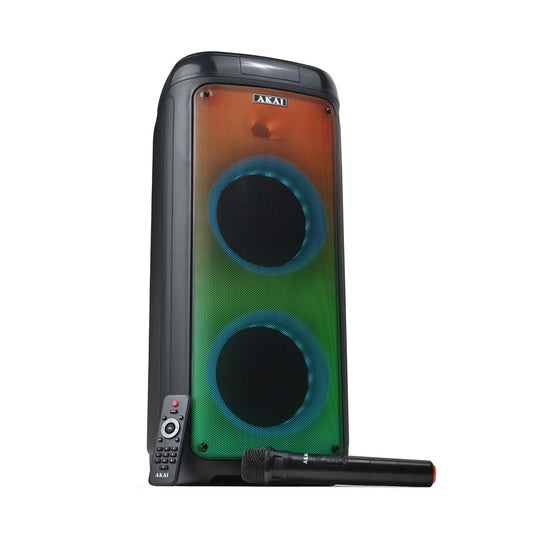
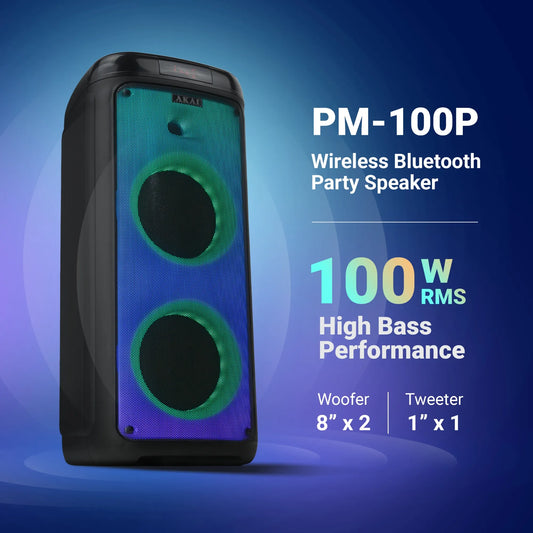
- High-Power Party Speakers (100W – 240W): For maximum volume, Akai’s PartyMate Pro 1000 (100W, dual 8″ woofers) and PartyMate Pro 1400Max (140W, dual 8″) pack massive sound with deep bass. They both have rechargeable mics, remote control, and TWS (True Wireless Stereo) pairing – connect two units for double the output. The PM-100P (100W) model comes with dual wireless mics and “fire” LED lights for an intense visual show.
- Ultra-High Power (240W): The PM-2400Max (240W, dual 10″ woofers) is a true PA-level speaker. With an included guitar input and wireless mic, it’s perfect for live performances, emcees, and DJs. RGB lights and voice effects elevate the atmosphere. It has a 4500 mAh battery for ~4 hours playtime (at medium volume) and can pair with another unit to create a 480W stereo setup.
All party speakers have IPX4 splash resistance, so accidental spills or light rain won’t stop the party. Bluetooth and USB/AUX/TF inputs let you stream from phones or play USB drives. Remote controls and onboard knobs make volume and EQ tweaks easy. Ideal for: Birthday parties, outdoor events, DJ setups, karaoke nights, and any gathering that calls for booming sound and lighting effects.
Portable Bluetooth Speakers: Music On-the-Go
For personal listening or small gatherings, Akai offers compact Bluetooth speakers that deliver surprisingly big sound. The BD-24 (24W) is a standout portable speaker. Its 2.5″ driver and built-in Class-D amp produce crisp audio and impressive bass for its size. It features Bluetooth 5.0, TWS pairing, USB/TF/AUX inputs, and even a built-in mic for hands-free calls or karaoke. A 3600 mAh battery provides up to 5 hours of playtime, and Type-C fast charging ensures you’re ready quickly. Plus, full RGB lights on both sides add ambience. Small (11×11×21.5 cm) and lightweight, the BD-24 is perfect for travel, desktops, or bedside tables.
Other party-focused models also function as portable speakers (with battery power): PartyMate Pro 60W (with trolley wheels) and PM-1000 Ultra (tall dual-woofer speaker) both have batteries allowing cordless use for 4+ hours. However, for ultimate portability, the BD-24 is the go-to choice. Ideal for: Picnics, travel, desk listening, and enhancing portable audio without the need for power outlets.
Versatile Connectivity & Easy Setup
Akai audio products are designed to connect seamlessly with your devices. Bluetooth (v5.0/5.3) is standard across the range, offering stable wireless streaming from smartphones, tablets, or laptops up to ~10 meters away. For TVs and media players, HDMI (ARC), optical, or AUX inputs are available on most soundbars and larger party speakers, making it simple to hook up to cable boxes, game consoles, or DVD players. USB and TF (microSD) card slots let you plug in thumb drives filled with music – especially handy for party speakers. Many speakers also include FM radio tuners.
Setup is straightforward: place your soundbar beneath the TV or pair towers on either side of your room, plug in any wired inputs (AUX, optical, etc.), and power on. Use the included remote or onboard buttons to switch modes (Bluetooth/USB/FM) and adjust EQ presets (Music, Movie, etc.). For Bluetooth pairing, simply search for the Akai device name on your phone’s Bluetooth menu. TWS (True Wireless Stereo) pairing is supported on compatible models (BD-24, PM-1000, PM-100P, PM-2400Max, etc.): just put two identical speakers in pairing mode and they will connect to each other, then link to your phone, creating left/right stereo. Comprehensive user manuals (and often a quick-start guide) walk you through all connections.
Hardware setup tips: Always ensure the speaker is on a stable surface. For powered subwoofers, place them on the floor to feel the bass. Keep wireless mics charged or battery-fresh. Make use of speaker EQ modes – “News” mode on soundbars boosts vocal clarity, for example. Wall mounts or speaker stands (not included) can optimize placement.
Customer Care: Warranty, Service, and More
Buying an Akai audio product means choosing quality backed by solid support. Every speaker comes with a 1-year comprehensive warranty (covers manufacturing defects) honored at Akai’s nationwide service centers. For convenience, Akai India offers “Free Professional Installation” for speakers and TVs, as noted on product pages – scheduling typically occurs within 24 hours of delivery. Return policies will depend on the retailer, but purchasing from Akai’s official channels or approved dealers ensures authenticity and support. If any issue arises (like connectivity hiccups or sound distortion), Akai’s support team can help troubleshoot, and authorized repair centers are available across India. Keep your proof of purchase and warranty card safe; for portable models, ensure to charge batteries as per instructions to maintain battery health.
How to Choose Your Akai Audio Speaker
Selecting the right speaker depends on your needs:
- For Music and Movies: If you want to upgrade your TV or build a home theatre, soundbars are optimal. A higher RMS (e.g., 120W or 140W) soundbar with a subwoofer delivers cinema-like bass. Look for HDMI ARC support if connecting to a Smart TV.
- For Parties and Karaoke: Party speakers (80W and above) with included mics and LED lights are built for fun. If mobility matters, choose a model with a battery or trolley wheels. Dual mic support (like in UltraBoom-100 or PM-100P) lets two singers perform.
- For Portability: For on-the-go listening, portable speakers like the BD-24 or the trolley style PM-60T are best. They are compact with rechargeable batteries.
- For Volume and Bass: Wattage and woofer size matter. Higher watts (100–240W) and larger woofers (8″ or 10″) mean louder, deeper sound. But ensure the space and usage justify it (large speakers might be overkill for a small room).
- For Connectivity: All models support Bluetooth streaming. If you plan to use USB drives or TF cards, check for those slots. For connecting instruments or microphones, look for guitar inputs and mic recording features (found on the PM-1400Max and PM-2400Max).
- Budget: Decide your price range. Entry-level starts around ₹2,000–5,000 (BD-24, SB-24, TWS-600Max). Mid-range (₹5,000–10,000) covers many speakers and entry party models. High-end (₹10,000+) covers premium party and soundbar systems.
FAQs
Connecting is simple. Turn on your Akai speaker and press the Bluetooth or “BT” button. The speaker should flash a Bluetooth indicator. On your phone, enable Bluetooth and search for new devices. Look for the speaker’s name (e.g., “Akai SB-24” or “Akai UltraBoom-100”) in the list. Tap to pair.
Once connected, your phone will say “paired” or “connected,” and the speaker may beep. Play music on your phone; it will stream wirelessly. For the best connection, keep the phone within ~10 meters and clear of obstacles. Some models allow multiple Bluetooth sources, but one at a time. If you have trouble, ensure the speaker isn’t connected to another device, or try resetting Bluetooth by turning the speaker off and on again.
Tip: Use the remote or front buttons on the speaker to adjust volume or skip tracks when paired.
First, decide if you want to connect via HDMI ARC, Optical, or Aux (RCA/3.5mm), depending on your TV’s outputs. The easiest is HDMI ARC: use an HDMI cable from the TV’s ARC-enabled HDMI port to the soundbar’s HDMI input. Enable HDMI-CEC/ARC in your TV settings, then select the ARC input on the soundbar. You should hear your TV audio through the soundbar immediately.
If using optical, connect the digital optical cable between TV and soundbar, and switch the soundbar to “Optical” mode. For analog Aux, connect your TV’s headphone or audio-out jack to the Aux input on the soundbar. Once connected, use the remote to adjust volume or switch modes on the soundbar. Check the user manual for precise steps – it ensures you match the TV audio settings (like PCM sound output).
Tip: If you hear no sound, double-check input selection and volume levels. Many Akai soundbars also have Bluetooth, so you can pair your phone for a wireless TV-free setup as well.
First, verify all connections: ensure cables (AUX/Optical/HDMI) are firmly plugged. If using Bluetooth, check the speaker shows it’s paired to your device. Increase the volume on both the speaker and the source device (phone/TV). Distortion can occur if the volume on the source is maxed or if the audio file has poor quality. Try lowering the phone/TV volume slightly and turning up the speaker’s own volume.
For battery-powered speakers, ensure they are adequately charged – low power can affect performance. If the speaker is on battery mode, plug it in and see if audio improves. Also check sound mode presets: using “News” mode on music may change EQ unexpectedly. As a last resort, power cycle the speaker (turn off, wait 5 seconds, turn on) and reconnect Bluetooth if needed. If problems persist, contact Akai support or service, as it might indicate a hardware fault (covered under warranty).
True Wireless Stereo (TWS) allows two identical Akai speakers to connect wirelessly and play as left and right channels, effectively doubling sound output. To use TWS, you need two of the same model (e.g., two BD-24s or two PM-1000s). Power on both and make sure they are not connected to any other device. Press the TWS button (if available) or hold the Bluetooth button on one speaker until its LED blinks differently – this enters pairing mode.
It will search and pair with the second speaker automatically. Once they pair (usually indicated by a solid LED), pair your phone or device to the primary speaker via Bluetooth as usual. Now your audio will play through both speakers in stereo. Volume on each is controlled together by the source device. TWS works best with music apps; some TV apps may not support stereo splitting. Always check the manual, as steps can vary slightly by model.
Battery life varies by model and volume level. Akai portable speakers list approximate playtimes at 50% volume: typically 4–5 hours (PM-60T, PM-1000, PM-100P, PM-1400, PM-2400, BD-24). For example, the BD-24 and PM-1000 have ~4 hours, while the larger PM-100P offers up to 5 hours. Higher volume or extreme bass will reduce playtime.
When the battery is low, the speaker may emit a warning sound or flash lights. To recharge, use the supplied adapter and connect to the speaker’s DC or Type-C charging port. Charging usually takes 3–5 hours (indicators may show red/green or an LED turning solid). During charging you can still use the speaker plugged in (except the SB-24, which is strictly battery-operated).
For best battery life, avoid leaving speakers fully discharged for long periods. If storing long-term, charge to about 50% and recharge every few months. All battery concerns (like replacement or extreme issues) fall under Akai’s 1-year warranty for electronics.
Akai India provides a 1-year comprehensive warranty from the date of purchase, covering manufacturing defects in parts and workmanship. To claim warranty service, present a valid purchase invoice and warranty card. Warranty service is available at Akai’s authorized service centers across India – you can find locations and contact info on the Akai India website.
Physical damage or misuse is not covered. Return policies depend on the seller: if you buy from the official Akai store or an authorized retailer, they typically accept returns within a certain period (e.g., 7–14 days) for a refund or exchange, provided the product is in original condition with all accessories. Always check the seller’s return policy at purchase time.
For online orders, Akai India often offers No-cost EMI options and free shipping, making it easier to buy. Keep your packaging and accessories, as incomplete in-box items may delay service or returns.
Consider the setting and purpose. For home theatre or TV, soundbars or tower speakers like the TS-120 provide directional audio and bass for movies. If space is limited, the SB-24 mini soundbar is a budget pick. For parties or karaoke, look for higher-wattage party speakers. The UltraBoom-100 or PM-100P (100W) offers great power with multiple mics for singing.
For larger events, the PM-2400Max (240W) ensures the music is loud and clear. If you need portability, the BD-24 or PM-60T trolley (with wheels) can go anywhere – they combine battery power with decent volume. Also factor in features: if you want dancing lights, all party speakers have RGB LEDs, but “fire” lights (PM-100P) are more intense. Check connectivity: do you need Bluetooth only, or also Aux/USB? Make sure the speaker has the inputs you need.
Lastly, budget: Akai’s range covers ₹2k to ₹18k+. The table above helps compare by price. If you’re still unsure, think about typical use: cozy indoor listening requires less power; outdoor parties demand the biggest speakers and battery life.
Yes, for certain models. Many Akai Bluetooth speakers support TWS pairing (True Wireless Stereo), which syncs two units of the same model together. For example, connect two BD-24s or two PM-1000s as explained earlier. You can also use Bluetooth multipoint or pair one speaker to another via wired inputs (some models have Aux in/out).
However, you cannot mix different model types in a single stereo pair – you need two identical ones. For towers and soundbars, you can combine devices: e.g., use an SB-100 soundbar (playing TV audio) alongside a TWS-600Max (playing music via Aux) in the same room – they just work as independent speakers since only one has soundbar/TV input. In short, TWS is the primary multi-speaker feature, and it is model-specific.
For wireless microphones, ensure their batteries (if rechargeable) are charged or installed. Turn on the speaker’s mic function (often labeled “MIC” or an icon) and the mic’s power. If static or no sound, check if the mic is paired. Some models have a pairing button for the mic receiver – press it following the manual’s instructions. Keep distance minimal at first (few meters).
For guitar inputs, plug your guitar or instrument cable firmly into the designated jack. Mute or turn down the guitar's volume knob before connecting (to avoid a volume spike). Then, gradually increase it. Ensure the speaker is set to the AUX or line-in mode. Some party speakers have an EQ mode specifically for guitar/mic – consult the manual.
If still no sound, test the mic or guitar with another amp/device to confirm it’s working, and try another cable to rule out wiring issues. If problems persist, reset the speaker by powering off and on. For all issues, verifying the basics (power, mode, cables) usually resolves them.